
I first reviewed the Carrot2 search engine in 2016. I found it quite useful then. What’s the story now?
The default search engine for most people is Google. However, Google does have a couple of characteristics that are not always useful.
First, it tends to learn what websites you like, so it will, over time, present you with results from the same websites. This can be useful if you cannot recall the name of a brilliant website you found through a Google search some time ago, but not quite so useful if you want to be presented with something a bit different to what you normally come across.
Second, it’s become polluted with ads and affiliate links. I don’t knoiw about you, but these days I prefer using an AI app to Google, despite the risks of “hallucinations”. Anyway….
Third, it presents the results in a list. Sometimes it’s useful to have the results presented in categories. That’s where Carrot2 comes in.
The Carrot2 search engine presents the results in a list, but also in categories, as you can see in this screenshot of a search I carried out on “self-publishing". If I were to click on one of the categories on the left, the related results would show up on the right.
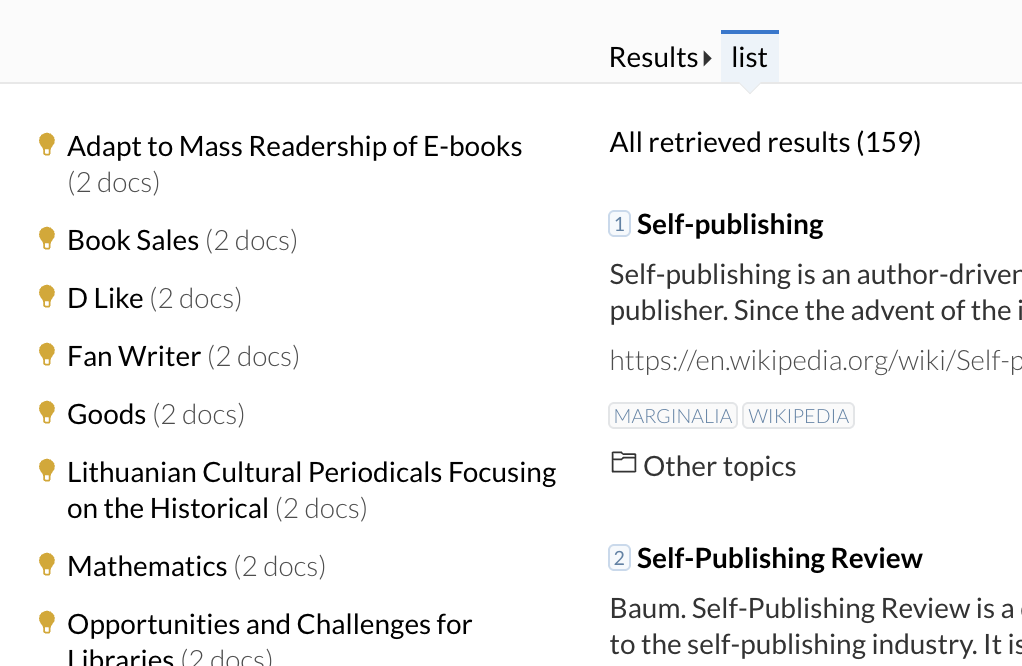
The List view in Carrot2
There are two other views of the results as well.
The Pie Chart view converts the categories into segments of a circle. The bigger the segment, the more search results there are in that category.
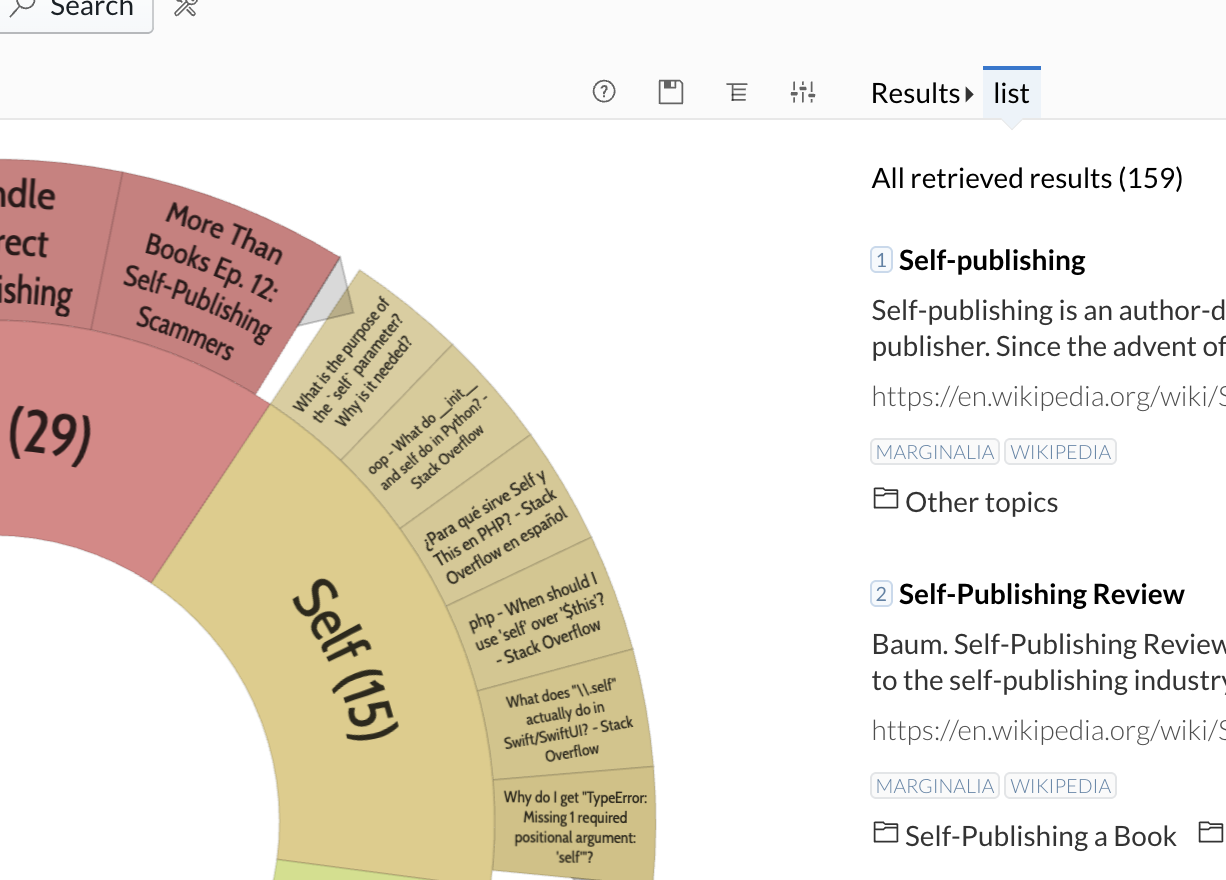
The Pie Chart view in Carrot 2
The Tree Map view does a similar job, just in a different way.
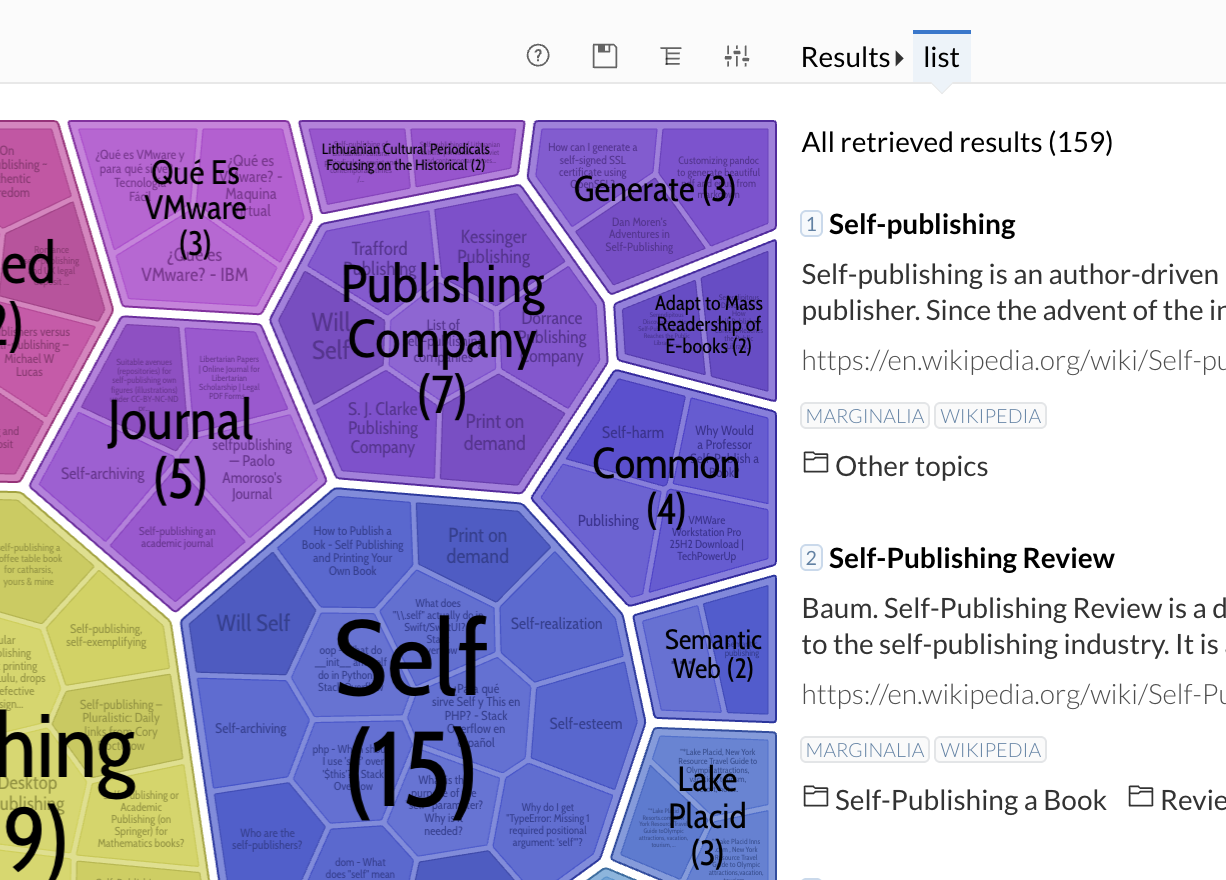
The tree map view in Carrot 2
Unfortunately, when I tried Carrot2 this time, it gave me a lot of useless results. When I typed in my own name, it came up with hardly anything, and I’m not exactly unknown. So, worth tryimng, perhaps, as it gave me different results from a Google search but, again, not as useful as AI.