
Introduction
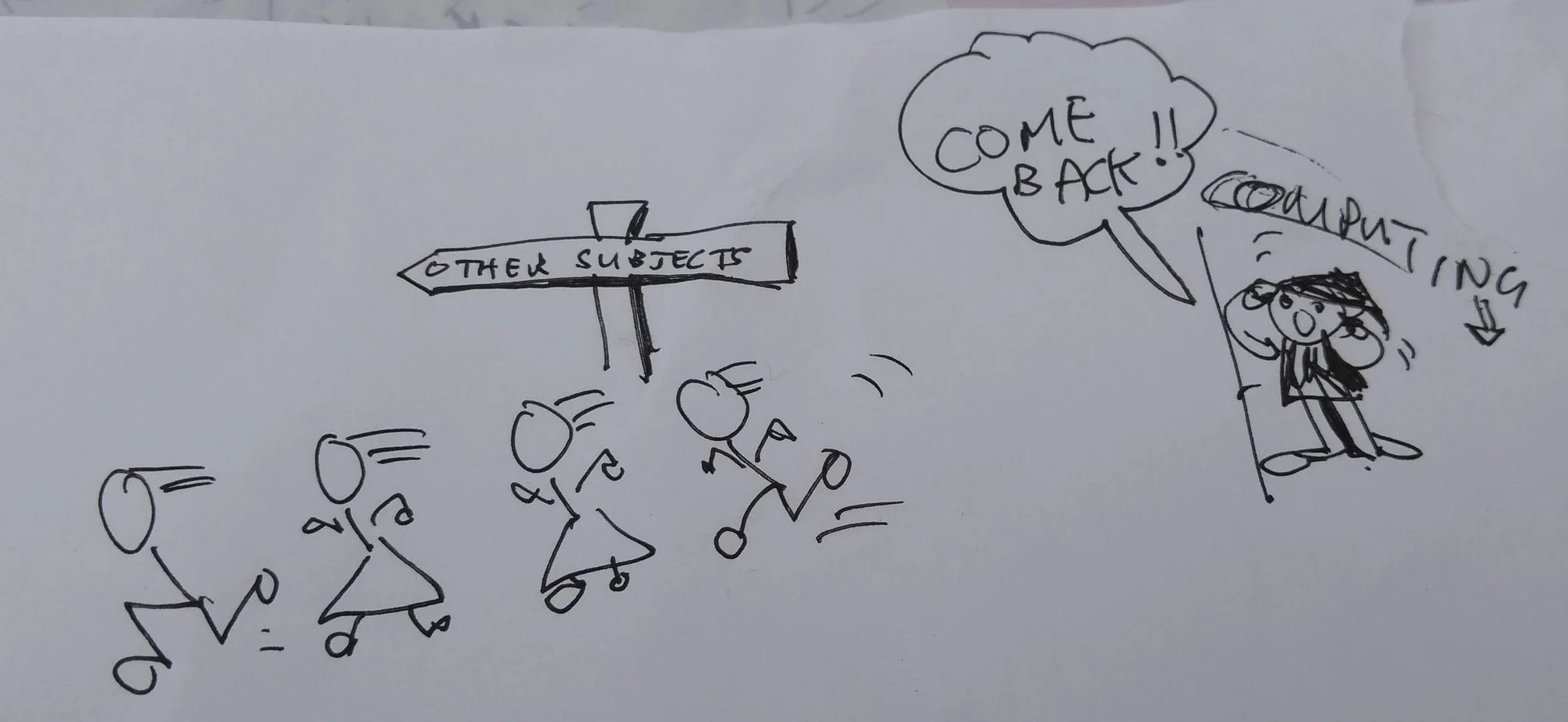
An example of my "art", by Terry Freedman
This is an updated version of a post on my Substack newsletter from a few years ago, with bits of another of my articles thrown in for good measure. My free Substack newsletters are:
Eclecticism, for life, literature and everything else.
Write! for writers.
Digital Education for educators in the the field of education technology, ICT and Computing.
Need a picture to illustrate your article? Well, you can just look through Google Images and use any that take your fancy, right? Wrong! Being viewable on Google does not necessarily equal free to use. And sometimes it’s hard to discern who owns the copyright, and what the terms of use are.
The following websites are much safer bets, but always check the licence offered and make sure you adhere to its conditions. Even if the licence is CC0, meaning that the picture is free to use and no attribution is required, I think it’s nice to give credit to the photographer or artist, where this is known.
Yes, I know that Substack has a built-in link to Unsplash, which I find to be very good. But Unsplash is not the only game in town.
I would also be wary of using AI-generated illustrations for any work being submitted to competitions. I was reading recently in The Author, the magazine of the UK’s Society of Authors, that an entry to a lityerary prize was disqualified because the author’s book cover hads been created with AI.
I haven’t cited all the websites I’ve discovered because some are in a state of flux and others seem to have been designed with the intention of creating the least user-friendly user interface. Still, there are enough here for you to explore!
Better images of AI
Unlike most AI illustration websites this one doesn’t have an option to generate your own images — it’s a library of images. They’re pretty good.
Bing image creator (AI)
I find this a bit variable in terms of realism, but some illustrations are gorgeous. As with all AI, you have to give quite detailed prompts in order to obtain the best results. The cartoon illustrations are a hoot.
British Library
Great for old illustrations that are free to use. The collection is being updated continually.
Canva
Create your own logos and other illustrations. It’s especially good for having ready-made templates for various social media, including Facebook, YouTube thumbnails and blog banners. It has a decent selection of icons too.
Chicago Art Institute
Famous paintings available for use free of charge.
Creative Commons Search Engine
This is the original version, which in my opinion is less flaky than the so-called improved version.
Freepik
This has vector drawings as well.
Gratisography
An interesting selection of free illustrations.
Heritage library
Free-to-use vintage illustrations.
Ideogram (AI)
Put in a prompt, and then select the styles you want to apply. If you like the result but it’s not quite what you’re after, you can remix it, applying more styles or different ones. That’s what I did with the pix below, the one on the left being the original result.
Illustration kit
A really nice collection of doodle-type illustrations, which as far as I can tell can be used for free without even the need for attribution.
Library of Congress
Free-to-use photos and other media.
Lummi
An interesting selection of illustrations in various styles, some of which are free to use.
Many pixels
Don’t panic when you see the monthly fees, because there is a section containing free illustrations (but not for commercial use).
Museo
Search a number of museums at the same time. Check individual results for terms of use.
National Gallery, London
Free-to-use works of art.
National Gallery of Art, Washington
Free-to-use works of art.
Negative Space
Another collection of beautiful illustrations that are free to use.
Pexels
Beautiful, hi-res photos.
PikWizard
This has a good selection of beautiful hi-res photos, free to use, with no attribution required (though I think we should credit the photographer wherever possible). There is also a very handy design wizard (illustrated above) which allows you to edit the photo before you download it, and even resize it automatically for posting on different social media platforms. Indeed, it is very much like Canva in this respect. (It’s available as a separate application too: Design Wizard.)
There is a selection of background graphics too. Well worth checking out. There are premium photos as well, but you obviously have to pay to use them.
Pixabay
Beautiful, hi-res photos.
Rawpixel
A great collection of artworks, many of which are free to use.
RGB Stock Photos
Beautiful, hi-res photos.
See art (AI)
The photorealistic illustrations you can obtain are very good, but you have to be very specific if you don’t want to get some pretty strange results!
Smithsonian Institute
Photos and other media, free to use.
Story set
This seems to be linked to Freepik. The illustrations are free to use, and for the people illustrations you can change the skin colour.
The Noun Project
A great icon collection. I discovered this from a comment by Charlie Guo in Substack Office Hours.
The Wellcome Collection
A good collection of paintings and drawings, especially with regard to medical subjects, free to use with attribution.
Undraw
A completely free collection of doodles in both SVG and PNG format.
Unsplash
Beautiful, hi-res photos, and built-in to Substack, of course.
Vecteezy
Great vector images as well as photos.
Vecteezy people of colour
A section devoted to graphics featuring people of colour, as the name suggests!
Visual Hunt
It searches for good quality pix that have a Creative Commons licence. It’s very fast, and comes up with good results. It wasn’t at all phased by a search I did for People In Cafe With Laptop. Highly recommended.