
If you happen to teach Science and would like to show your students the second law of thermodynamics (everything tends towards entropy or disorder if left to itself) in action, then contact me to arrange a visit to my desk. Over time it gets worse and worse, until I can no longer see what's there, find anything, or even think. I'd show you a photo but I'm too ashamed to be honest.
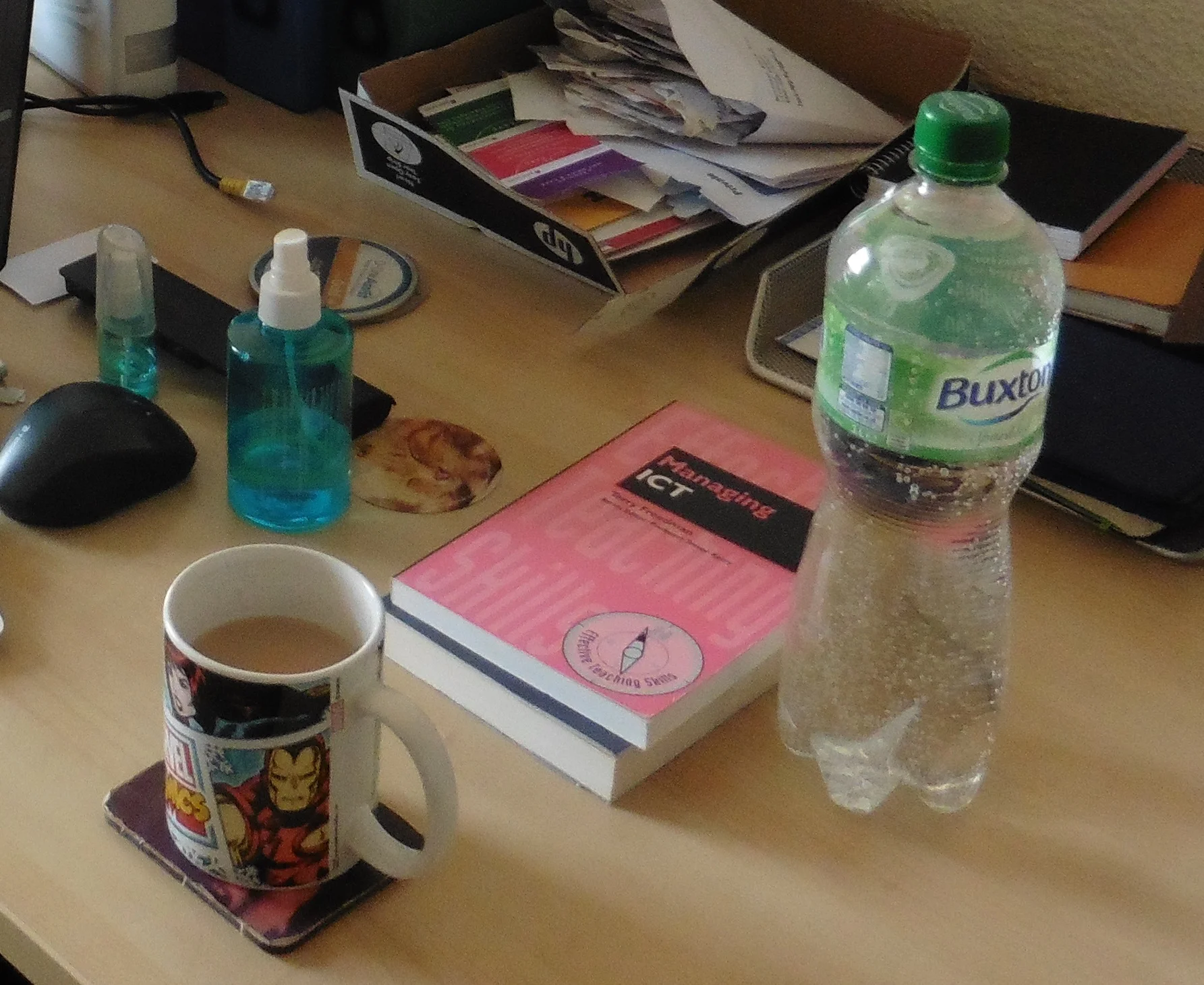
And so it was that a couple of days ago I had a massive clear-out -- and by 'massive' I mean 8 black dustbin bags of recycling and rubbish. I now have just the bare essentials, as shown in the photo.
Interestingly, and perhaps inexplicably, as soon as I'd finished my computer worked, and is still working, much faster than it has been for ages. I suppose I could assume that it has something to do with a deep level of connectedness and synchronicity between all things in the universe. However, I tend towards the more pragmatic assumption that clearing the desk and the room as a whole has improved the air flow around the computer.
But the experience reminded me of the maintenance tasks I used to undertake (or organise the undertaking of) every holiday when I was head of ICT and Computing. I always found that a day spent doing the following was time well-spent. And if you don't much like the idea of spending time in the holiday doing them (if you don't have a technical support team), another option is to take the computers out of use for the last day or two of term. I always found that as long as you gave people a lot of notice, and made sure there were alternatives they could use if necessary, nobody minded too much.
Anyway, here are the tasks (edit according to job function):
Internal
- Check (unlocked down) computers for 'rogue' programs, ie programs that may be ok but which you haven't authorised. You may think this is terribly undemocratic, but I think some kind of change request system needs to be in place.
(For a start, you need to make sure that new applications won't cause problems on the system, and also that there is a proper licence for its use.) - Run a full anti-virus scan.
- Do a complete backup, especially of children's work.
- Run a 'spring-cleaning' program, like Ccleaner.
External
- Carry out an inventory: are all the laptops/tablets/computers where they should be?
- Make sure all equipment is sparkling clean.
- Make sure everything that needs to be charged is charged.
- Fill printers with new paper.
- Check the ink/toner levels of printers.
Classroom
- Have a good tidy up.
- Replace or remove tattered posters and manuals.
- Rearrange books and other resources if necessary.
- Make sure all your teaching resources are in place and to hand, ready for next term.
If you can ask technical support staff to carry out the computer-related tasks, so much the better obviously.
As for the other (classroom) tasks, if you're lucky you will be able to prevail on someone (like a classroom assistant, if you have one) to give you a hand. Alternatively, you can do as I say rather than what I do, and adopt a 'clean as you go' approach.
It's worth doing all this, because apart from the obvious benefits, there is also the universally acknowledged fact that kids tend to look after things that appear to be looked after. The corollary is that you appear to not care, why should they?